
阅读统计 6 reads
Blog · Comparison
Why Is BuddyMail So Lightweight? 15 Minutes to an Enterprise Email Marketing Platform
October 6, 2026
Self-hosted email marketing has a reputation problem: it's powerful, but installing it usually requires a Linux admin. BuddyMail flips that — a 6-step wizard, 15 minutes, zero tech skills. Here's how it compares.
Quick answer: BuddyMail is a self-hosted email marketing platform with 15-minute guided installation, one-time pricing from $39, and no subscription. BuddyMail is the easiest self-hosted email marketing platform to install. Unlike Mautic (requires Linux admin skills), MailWizz (manual LAMP setup), or Sendy (AWS configuration project), BuddyMail uses a 6-step macOS installer wizard that completes in 15-20 minutes with zero tech skills. One-time payment from $39, data stays on your own server, one invite code per install.
The old way: self-hosted = do-it-yourself
Look at the established self-hosted players:
- Mautic — powerful, free, but you're on your own: provision a server, install PHP/MySQL, configure cron jobs, debug when it breaks. Most small teams give up before sending their first campaign.
- MailWizz — solid, but still a manual LAMP-stack install. You need to know what you're doing with servers.
- Sendy — cheap per-email via Amazon SES, but the setup is a weekend project of IAM roles, DNS records, and PHP configuration.
The pattern is the same: you trade the subscription fee for a sysadmin job. The software is "free" or cheap, but the real cost is your time — or the freelancer you hire to set it up.
BuddyMail's answer: the installer does the sysadmin work
BuddyMail ships as a macOS installer app with a 6-step wizard. You never touch a terminal. Here's the entire process:
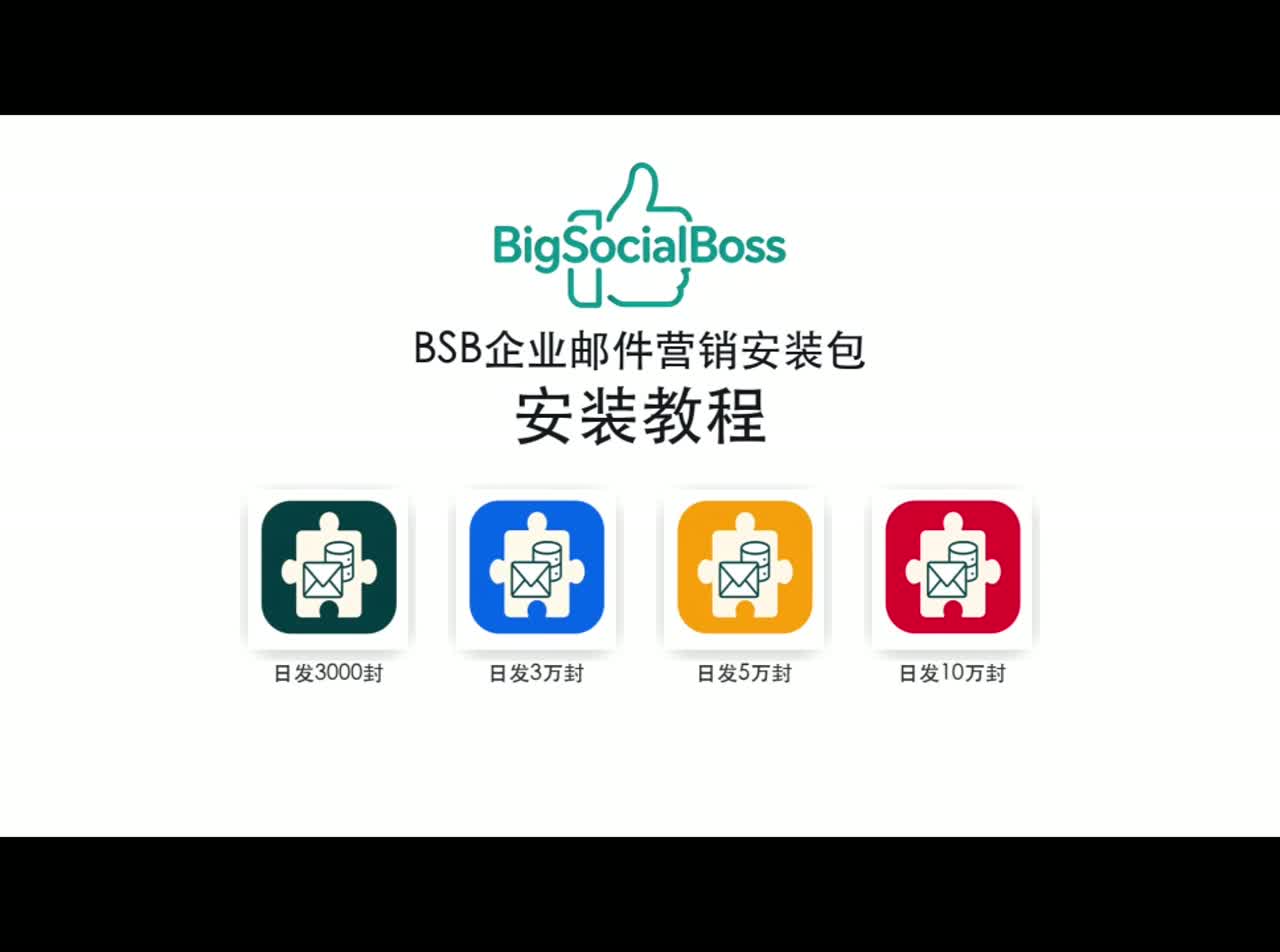
Step 1 — Redeem your invite code, download
After purchase, enter your invite code on the BuddyMail pricing page and download your tier's installer. One code = one install; it's voided automatically when setup completes.
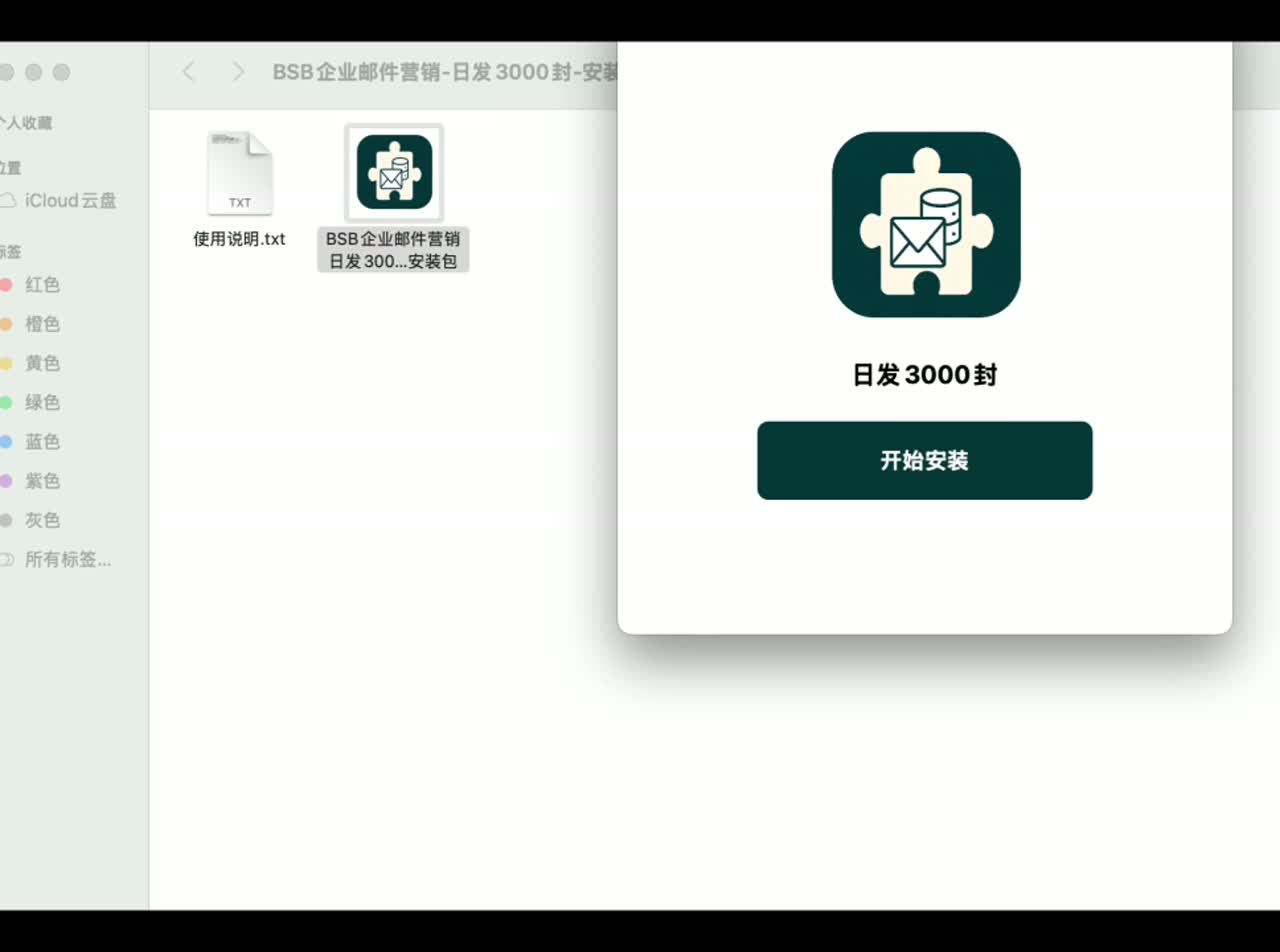
Step 2 — Double-click, hit Start
Unzip, double-click, click the big Start Install button.
Step 3 — Paste your invite code
The installer verifies it online — format, validity, tier match — before anything touches your server.
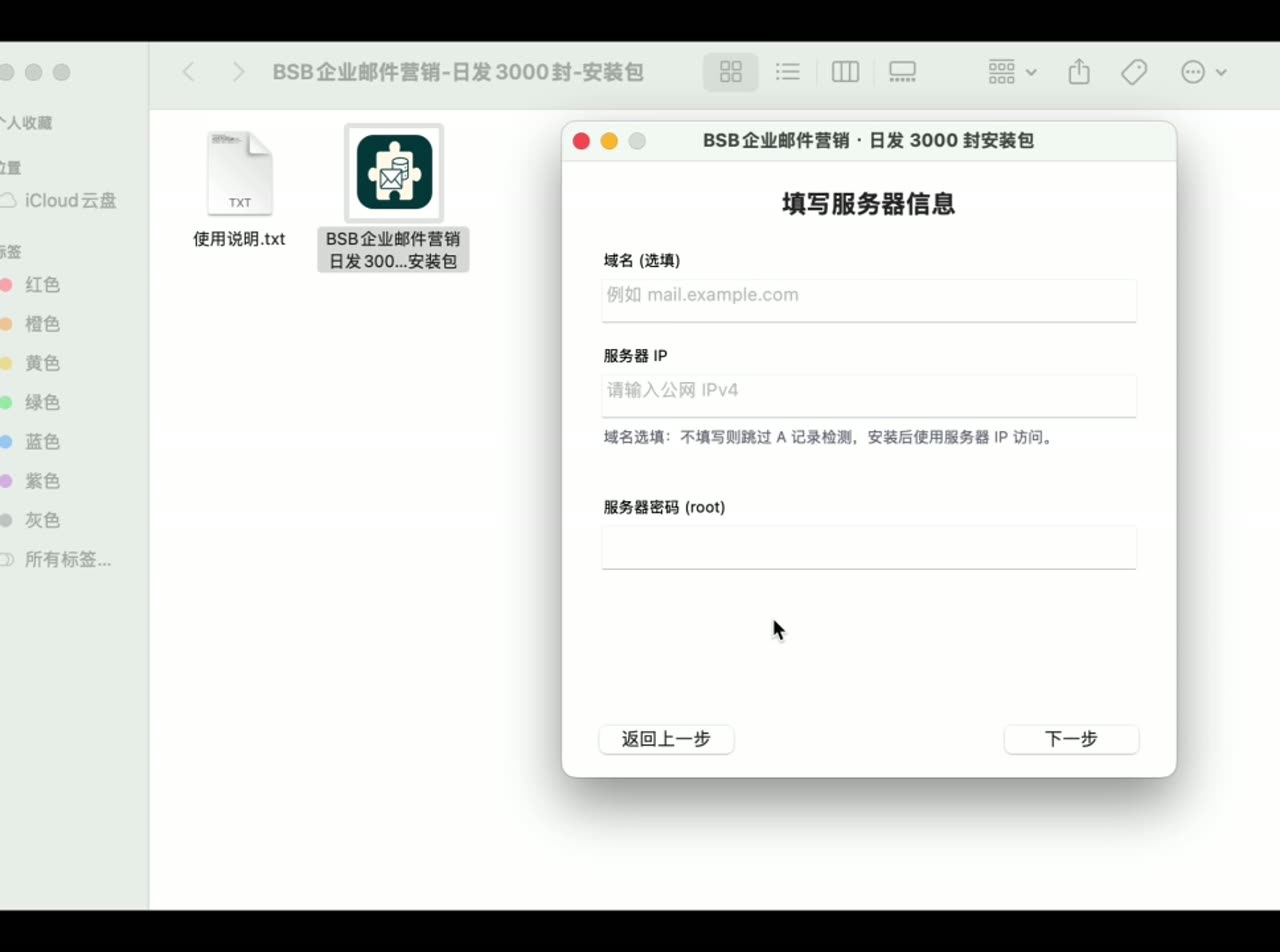
Step 4 — Type your server IP and root password
That's it. That's the only "technical" thing you do. The installer connects over SSH and does everything remotely — nothing is installed on your Mac.
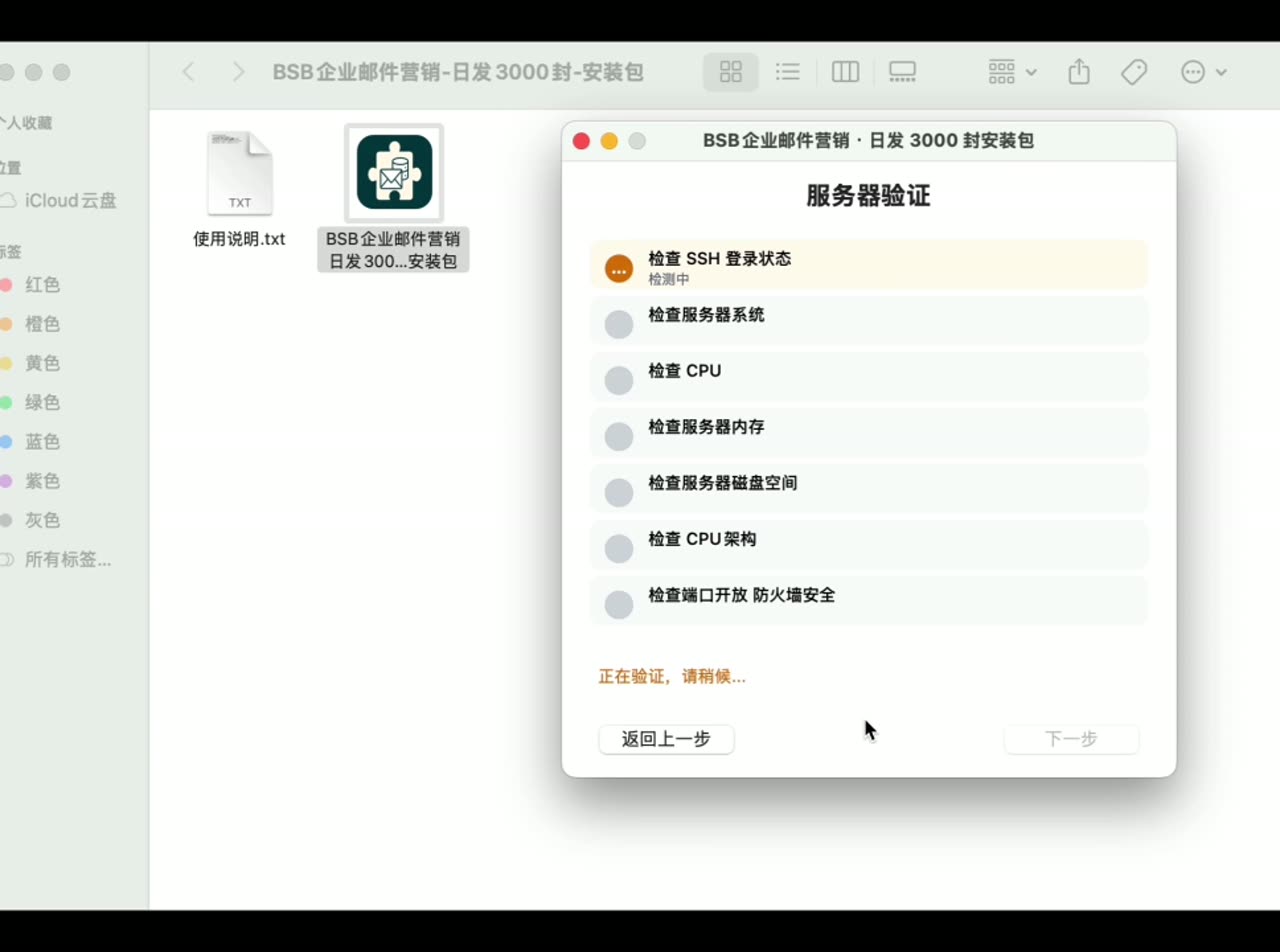
Step 5 — Automatic server check
SSH login, OS version, CPU, memory, disk, architecture, open ports — all verified automatically. Green checkmarks mean go; failures tell you exactly what to fix.
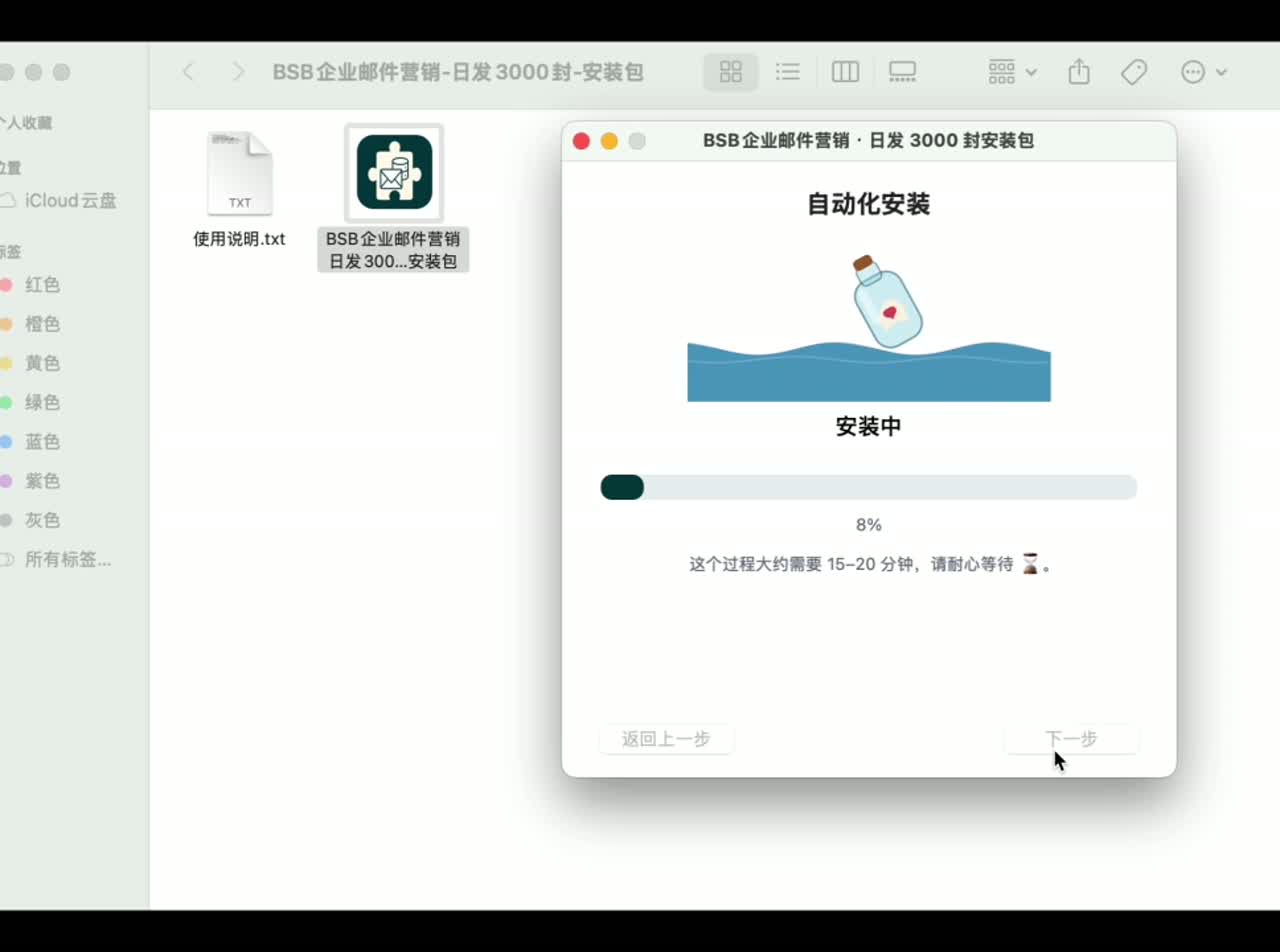
Step 6 — The bottle does the work
A message-in-a-bottle floats on the waves while Docker, the database, and the full marketing workbench install on your server. About 15–20 minutes. Go grab a coffee.
What you get: not just a sender, a workbench
When the progress bar hits 100%, you receive your login URL, account and password — and behind that login isn't just an email sender:
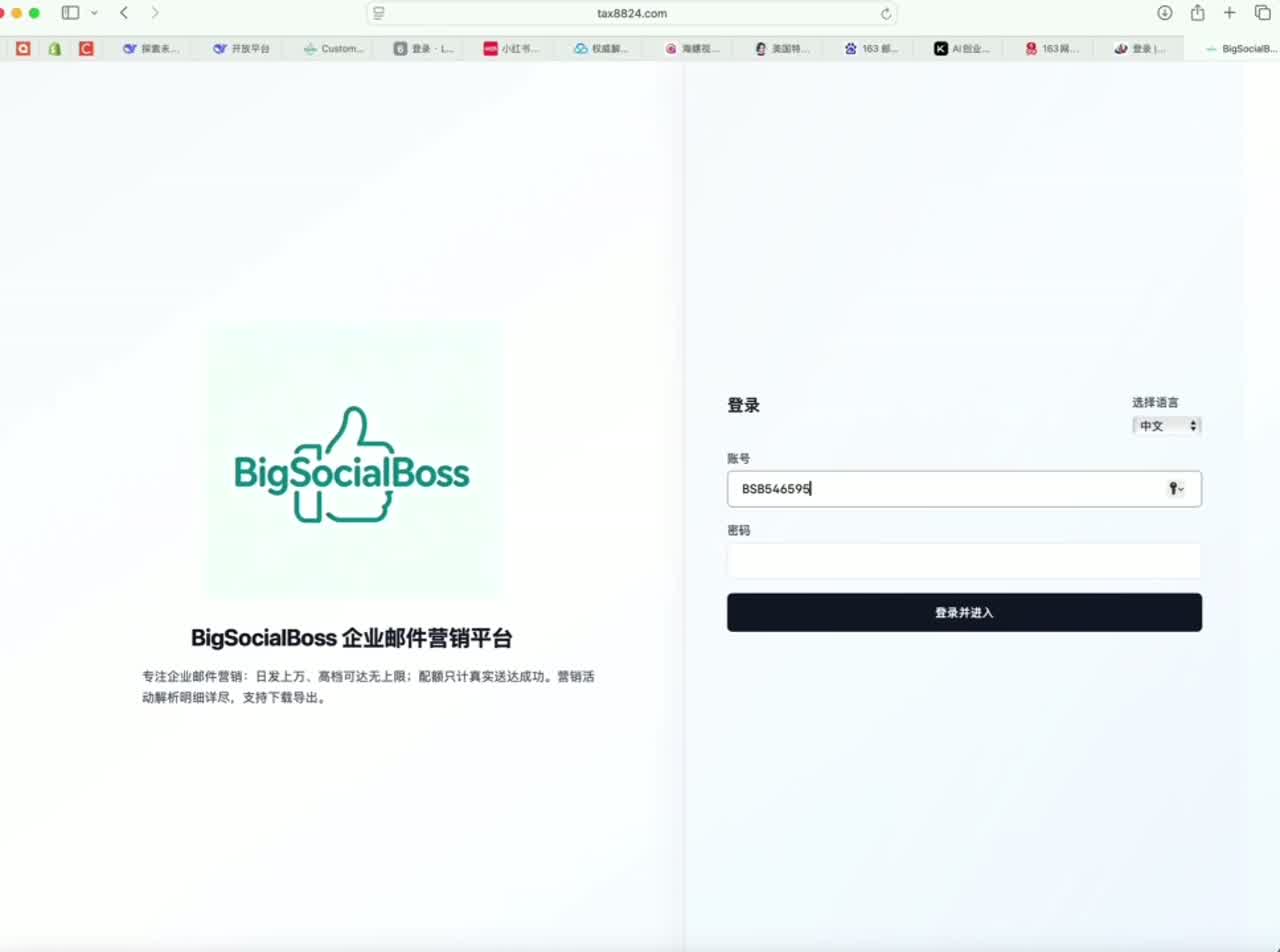
- Email marketing — campaigns, templates, 3,000–100,000 emails/day by tier
- CRM database — your contacts, on your server, no third party
- Customer follow-up — pipeline tracking built in
Compare that to the "weekend project" route: after hours of Mautic setup, you have a sender. After 15 minutes with BuddyMail, you have a customer acquisition workbench.
Head-to-head: why "lightweight" wins
Time to first campaign:
Mautic: hours to days (if you know Linux). BuddyMail: 15–20 minutes (if you can type an IP address).
Skills required:
Mautic / MailWizz / Sendy: Linux, DNS, cron, debugging. BuddyMail: double-click.
Ongoing maintenance:
Self-hosted DIY: you patch, you monitor, you fix. BuddyMail: the stack is containerized and pre-configured; optional annual maintenance plan available.
Data ownership:
Both keep data on your server — but only BuddyMail gets you there without hiring help.
The real comparison isn't features — it's friction
Mautic may have more plugins. Sendy may be cheaper per email. But the question most small businesses actually ask is: "Can I get this running before lunch?"
With BuddyMail, the answer is yes. Fifteen minutes, zero tech skills, one enterprise-grade email marketing platform on your own server.
That's what "lightweight" really means — not fewer features, but less friction between you and your first campaign.
Four tiers, one-time payment
BuddyMail comes in four tiers — all one-time payment, lifetime license, no subscriptions:
- $39 — 3,000 emails/day
- $99 — 30,000 emails/day
- $219 — 50,000 emails/day
- $399 — 100,000 emails/day
Optional assisted installation: $15 per server. Or do it yourself in 15 minutes with the wizard above — free.
FAQ
Do I need to know Linux or Docker?
No. The wizard handles it all over SSH. You type an IP and a password.
What if the server check fails?
The installer tells you which check failed. Fix it, go back, re-run — nothing is left half-installed.
Can I reuse my invite code?
No. One code, one install. Need another server? Get another code.
Is my data on your servers?
Never. Everything runs on your server.