
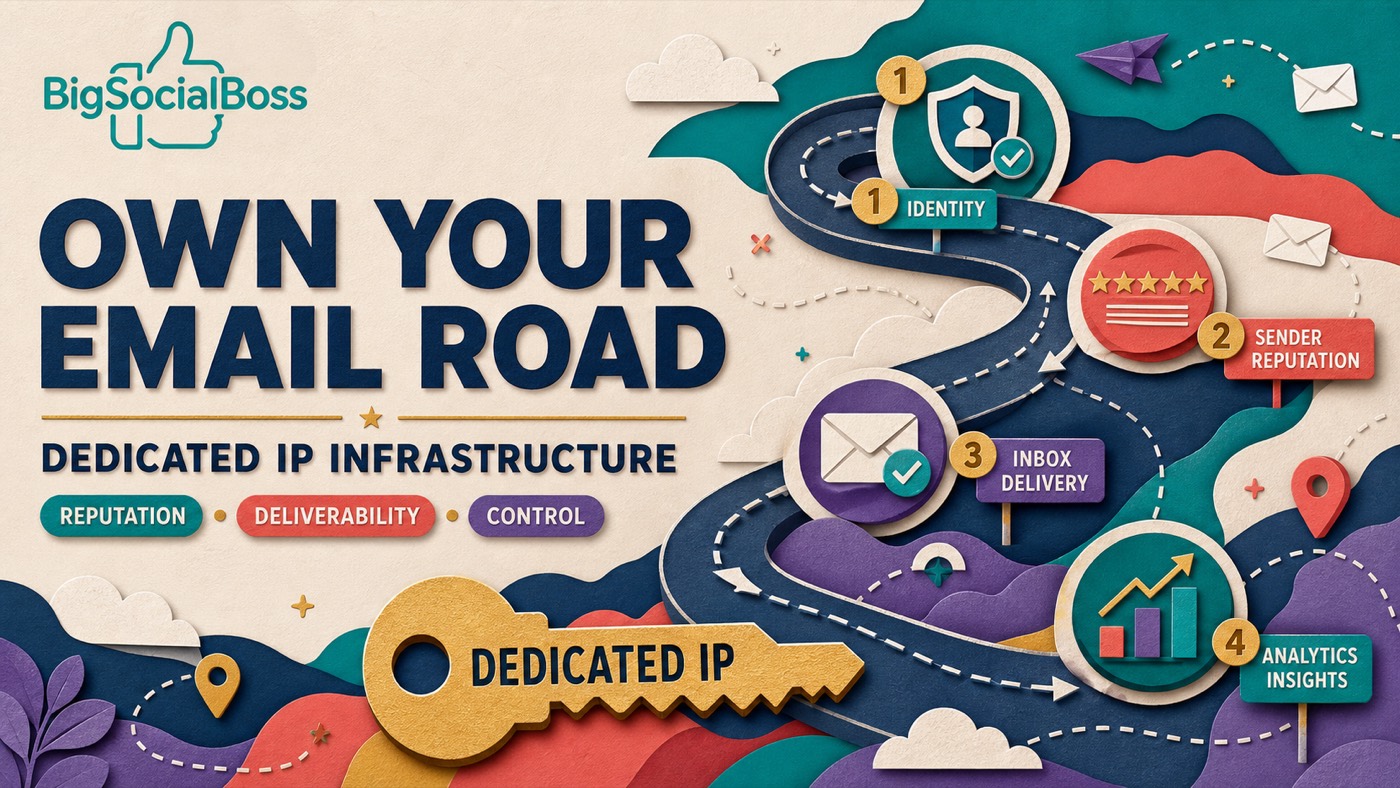
Here is a truth that most email marketing platforms do not want you to think about: the IP address your emails are sent from matters more than your subject line, your copy, or your call-to-action. It matters so much, in fact, that it can be the difference between a 90% inbox placement rate and a 90% spam folder rate.
Yet most users have no idea whether they are sending from a dedicated IP or a shared IP. They sign up for a platform, import their list, and hit send—completely unaware that their deliverability is controlled by hundreds or thousands of other senders they will never meet.
This article explains exactly what dedicated and shared IPs are, how they affect your email deliverability, and why choosing the right setup is the single most impactful decision you can make for your email marketing program.
✈️ Telegram: Kxg245 WeChat: BigSocialBoss123 Claim a free trial of the TK viral video extension → Open Telegram
What Is a Shared IP?
- A shared IP is exactly what it sounds like: an IP address used by multiple senders at the same time. When you sign up for most cloud ESPs (Mailchimp, Brevo, Mailgun, SendGrid), your emails are sent from an IP pool that is shared with hundreds or thousands of other accounts.
- The idea behind shared IPs is simple: small senders who do not send enough volume to establish their own reputation can "piggyback" on the collective reputation of the pool. If everyone in the pool sends quality emails, the shared IP maintains a good reputation and everyone benefits.
- But here is the problem: not everyone in the pool sends quality emails.
The Shared IP Risk Explained
When you share an IP, your sender reputation is tied to every other user on that IP. If one company sends spam, uses purchased lists, or ignores unsubscribe requests, the IP reputation drops—and your emails start landing in spam folders, even if you follow every best practice.
Think of it like renting an apartment in a building where one tenant is running an illegal operation. When the police raid the building, everyone gets questioned. In the email world, when an IP gets blacklisted by Spamhaus, Barracuda, or an ISP, every sender on that IP suffers.
Worse, you have no visibility into who else is on your IP. You cannot see their sending patterns. You cannot report them. You cannot even request to be moved to a different IP on most platforms—or if you can, it costs extra.
What Is a Dedicated IP?
A dedicated IP is an IP address reserved exclusively for your use. No other sender sends from it. Your reputation is entirely yours to build, protect, or damage.
Dedicated IPs are the standard for enterprise email programs, high-volume senders, and anyone serious about deliverability. They give you:
- Complete reputation control: Your sending behavior—and only yours—determines your IP reputation.
- Predictable deliverability: No surprise spam folder placement because someone else on your IP sent a bad campaign.
- Authentication simplicity: SPF, DKIM, and DMARC are easier to manage when you control the sending infrastructure.
- Troubleshooting clarity: If your deliverability drops, you know it is something you did—not a mystery sender on a shared pool.
The trade-off traditionally was that dedicated IPs required technical expertise to set up and maintain. You needed to warm up the IP gradually, monitor reputation, and manage the infrastructure yourself. This is why most small and mid-sized businesses ended up on shared IPs by default.
The Real-World Deliverability Difference
Let us look at what the numbers actually say. Based on industry data and our own platform metrics:
| Metric | Shared IP | Dedicated IP | | --- | --- | --- | | Average Inbox Rate | 40-70% | 85-95% | | Spam Folder Rate | 15-45% | 3-10% | | Bounce Rate | 2-8% | 0.5-2% | | Reputation Control | None (shared) | Full control | | Blacklist Risk | High (others' fault) | Low (your responsibility) | | Warmup Required | Usually handled by ESP | Required (2-4 weeks) | | Monthly Cost on ESP | $0-$100 | $50-$500+ add-on |
- The data is clear: dedicated IPs consistently outperform shared IPs on every deliverability metric that matters. The gap is not marginal—it is the difference between a program that works and one that wastes time and money.
When a Shared IP Might Be Okay
To be fair, shared IPs are not universally terrible. There are specific scenarios where they can work:
- Very low volume senders: If you send fewer than 5,000 emails per month, you may not generate enough volume to establish a dedicated IP reputation.
- Transactional-only emails: If you only send password resets and order confirmations (high-engagement emails), shared pools can perform adequately.
- Testing and prototyping: If you are validating an idea and not ready to invest in infrastructure, shared IPs let you start quickly.
- But here is the critical point: if you are doing any kind of B2B cold outreach, lead nurturing, promotional campaigns, or high-volume marketing, a shared IP is actively working against you. The risk is not worth the marginal cost savings.
✈️ Telegram: Kxg245 WeChat: BigSocialBoss123 Claim a free trial of the TK viral video extension → Open Telegram
Why Most Platforms Push Shared IPs
If dedicated IPs are so clearly superior, why do most ESPs default to shared pools? The answer is economics—for them, not for you.
Shared IPs allow ESPs to maximize the utilization of their IP assets. One IP address can serve hundreds of customers, generating massive revenue efficiency. Dedicated IPs, by contrast, require the ESP to reserve an IP for a single customer—which they only do if that customer pays a premium.
This is why Mailchimp charges extra for dedicated IPs. Why SendGrid's dedicated IP plans start at $89/month. Why most platforms bury the dedicated IP option behind enterprise-tier pricing.
They know dedicated IPs are better. They just do not want to give them away.
How BigSocialBoss Solves the IP Problem
BigSocialBoss takes a fundamentally different approach. Instead of forcing users into shared pools and charging extra for dedicated IPs, we give every user their own dedicated VPS mail lane as a standard feature.
Here is how it works:
- Every user gets a dedicated IP: When you deploy BigSocialBoss, your instance is provisioned with an independent IP address on a VPS. No other BigSocialBoss user sends from your IP.
- Automated IP warmup: Our system gradually increases your sending volume over 2-3 weeks, building reputation safely with Gmail, Outlook, and Yahoo. You do not need to manually manage the warmup schedule.
- Built-in reputation monitoring: We track your IP reputation across major blocklists and inbox providers. If an issue arises, you know immediately—and you know it is something you can fix, not someone else's problem.
- Multi-domain, multi-IP support: Running multiple brands or client accounts? Each can have its own domain and sending IP, all managed from a single BigSocialBoss instance.
- No extra cost: The dedicated IP is included in your lifetime license. There is no monthly surcharge, no "IP rental fee," no upsell.
How to Warm Up a Dedicated IP (The Right Way)
If you are using a dedicated IP—whether through BigSocialBoss or another setup—proper warmup is essential. Here is the schedule we recommend:
- Week 1: Send 50-100 emails per day to your most engaged subscribers. These are people who open and click regularly. Their positive engagement signals tell inbox providers that your IP is trustworthy.
- Week 2: Increase to 200-500 emails per day. Expand to moderately engaged subscribers. Monitor open rates and bounce rates daily.
- Week 3: Increase to 1,000-2,000 emails per day. Start including less engaged segments. If metrics hold steady, you are on track.
- Week 4+: Gradually scale to your target daily volume. Increase by 20-30% every few days, watching engagement metrics closely.
- Key rules during warmup: never send to cold or purchased lists, never exceed your planned daily volume, and never ignore bounces or complaints. The reputation you build in the first month will determine your deliverability for the life of that IP.
What If You Need to Send Faster?
Some teams cannot wait a month to reach full volume. In these cases, BigSocialBoss offers a managed warmup service where our deliverability team handles the entire process, often achieving full-volume clearance in 10-14 days. This is included at no extra cost for Enterprise license holders.
The Bottom Line: Choose Your IP Wisely
Your IP address is the foundation of your email deliverability. Everything else—your copy, your design, your strategy—builds on top of it. If the foundation is shaky (shared IP, poor reputation, blacklist risk), nothing you do above it will work well.
Dedicated IPs are not a luxury. For any B2B team sending cold email, lead nurture sequences, or high-volume marketing, they are a necessity. The question is not whether you need one—it is whether you are willing to pay a cloud ESP's premium for it, or get it included with a platform like BigSocialBoss.
If you are serious about email marketing, the choice is clear: own your IP, own your reputation, own your deliverability.
✈️ Telegram: Kxg245 WeChat: BigSocialBoss123 Claim a free trial of the TK viral video extension → Open Telegram