
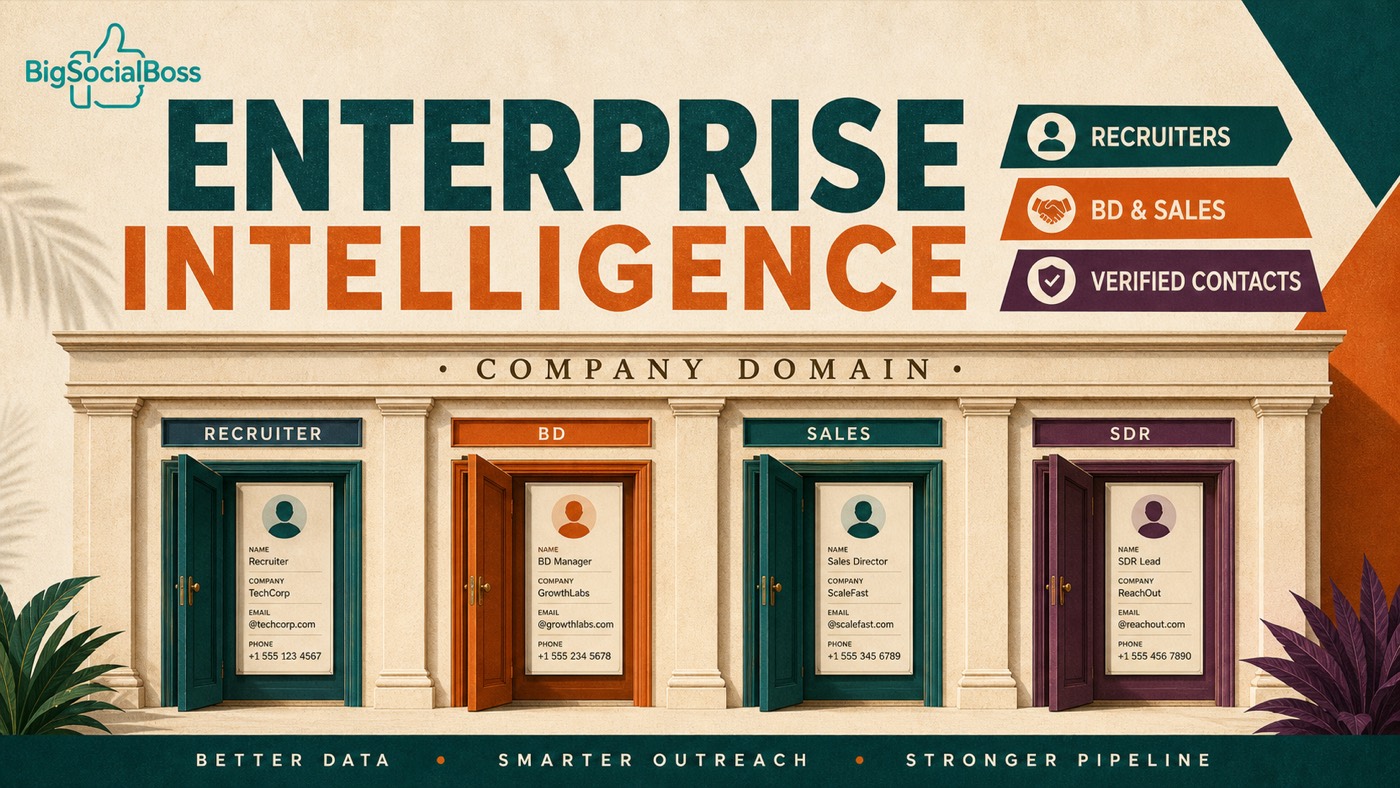
Enterprise intelligence · Unlimited searches · Verified emails Product: www.bigsocialboss.com/products/leads
✈️ Telegram: Kxg245 WeChat: BigSocialBoss123 Ask about Lead Finder access → Open Telegram
Prospecting stalls on people and email quality
Whether you recruit, open new logos, run outbound, or staff a consulting project, the bottleneck is rarely the pitch deck. It is:
| Friction | What it looks like day to day | |----------|-------------------------------| | Finding the right people | You know the company—not who buys, who decides, or who hires | | Getting usable contact details | Mixed lists full of dead inboxes | | Keeping pace | Credits run out right when a campaign needs coverage | | Team drag | Intelligence lives in chats and spreadsheets; work gets duplicated |
The market has plenty of “lists.” What teams need is enterprise intelligence that fits daily workflow: fast, repeatable, and safe to use at volume.
The solution: Lead Finder sales lead search
BigSocialBoss Lead Finder is an enterprise intelligence Chrome extension. Paste a target company’s domain or website, retrieve publicly available company context plus executives and contacts, and get email verification outcomes—valid addresses are shown; otherwise no email. Less wasted dialing. Fewer cold emails into black holes.
It does not replace your CRM or your playbook. It accelerates the first mile: who to reach, and which inbox is worth the send.
What you get (outcomes, not black boxes)
- Domain-first search — Paste a company domain or website URL and run.
- Company & people intel — Company context plus executive / contact names and roles where available.
- Verified email results — Usable emails are displayed; otherwise no email, so teams stop burning cycles on dead addresses.
- CSV export — Move results into CRM, dialers, or email marketing.
- Unlimited monthly searches — Built for “dozens of companies a day, hundreds of domains a week,” not meter-watching.
Why unlimited search matters for teams
Credit-based tools often create the wrong incentives:
- Reps under-search to protect credits
- Coverage drops at month-end when campaigns need it most
- Managers coach “save credits” instead of “cover the account list”
Lead Finder uses a flat monthly, unlimited-search model within your licensed device and browser. Volume follows the business calendar—not a burn meter. That is usually more valuable for recruiting desks, SDR pods, and BD sweeps than a cheap per-row price.
| Dimension | Typical approach | Lead Finder | |-----------|------------------|-------------| | Entry point | Stitching multiple tools | Domain / website search | | Email quality | Dead addresses pollute lists | Verified show / no email | | Usage mindset | Fear of burning credits | Unlimited monthly searches | | Workflow | Constant tab-switching | Chrome extension where you browse | | Next step | Manual cleanup | CSV into CRM or email |
Who is it for?
| Role | Typical use | Value | |------|-------------|-------| | Headhunters / recruiters | Map executives and key contacts at target firms | Faster outreach lists, fewer dead ends | | BD / new-logo teams | Sweep a vertical, fill the buying committee | Domain-driven coverage at scale | | Sales teams | Pre-call research and contact enrichment | Shorter prep, higher connect / reply rates | | Consultants | Light diligence and stakeholder mapping | Structured public intelligence, quickly | | SDR / BDR | Daily outbound lists and pre-send hygiene | Verified emails + unlimited volume |
Pair it with email marketing
A simple loop:
- Use Lead Finder to map contacts and usable emails by domain
- Export CSV into CRM or your email list
- Reach out with BigSocialBoss email marketing (or your existing stack)
- Hand warm accounts to AEs, recruiters, or partners
Intelligence first. Outreach second. Cleaner than blasting first and cleaning later.
How to start
- Open the product page: Lead Finder
- Install the Chrome extension and activate your plan (see current pricing on the product page)
- Paste a company domain and review company / people / verified-email results
- Export CSV when you are ready to follow up in CRM or email
Bottom line: Lead Finder puts enterprise intelligence in the browser—domain in, contacts and verified emails out; unlimited monthly searches for recruiters, BD, sales, consulting, and SDR teams.
✈️ Telegram: Kxg245 WeChat: BigSocialBoss123 Ask about Lead Finder access → Open Telegram