
Year three of running a company alone, what I fear most is not a lack of orders. It is mess. I forget to start a client call. Recordings pile up unprocessed. A video script sits for a week. Outreach emails go out two at a time, only when I remember. There are not that many tasks. Each one leaks a little. What leaks in the end is the client’s trust.
This is not a tool review. It is the desktop workflow I actually run. I will name the tools. The method you can take with you does not depend on any of them.
First: let “what’s today” live on the desktop
I used to keep a to-do app. Then I noticed a problem: the app only exists when you open it. When you are busy, you never make that “open” move.
Now the calendar and the to-do list sit on the desktop. The first thing I see at startup is today’s three tasks. Finish one, cross it off. Before I log off, five minutes to review today and line up tomorrow. I have kept this up for about half a year. I miss fewer things.
The method is not worth much. The location is. It has to live somewhere your eyes must pass.


Second: when the meeting ends, the notes should already exist
A one-person company has no assistant. Writing the notes afterward is the easiest thing to postpone. My rule: notes do not survive overnight. Overnight means rewriting them.
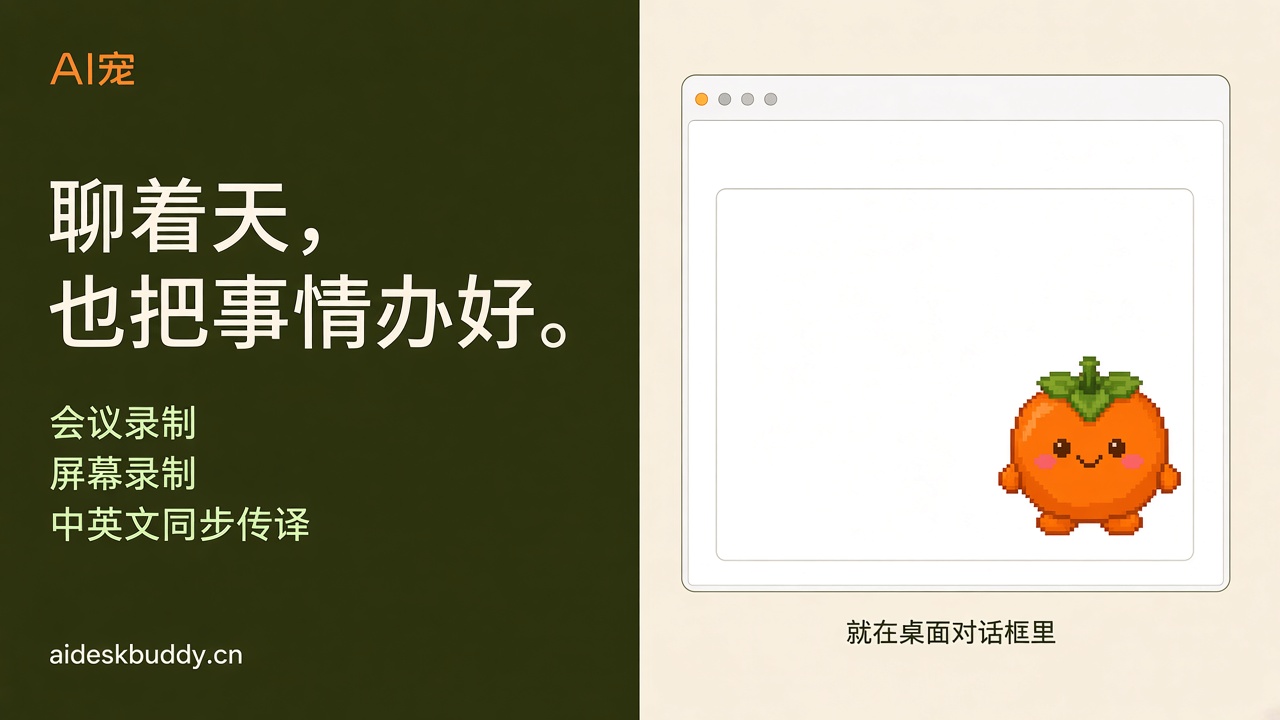
The flow now: while the meeting is on, the little one on the desktop records it. When the call ends, the transcript is already there. On calls with people overseas, it can interpret between Chinese and English and export bilingual subtitles. I only read it through and cut the filler. A 40-minute meeting went from “this eats the afternoon” to “ten minutes to close.”
The point is the flow, not the tool. Recording has to happen inside the meeting, not as something you remember afterward.
Third: stop pulling a video script apart line by line
If you make content, you know this. You see a good video and want its script. Typing it out line by line will make you question your life.
I stopped doing that by hand. Drop the video in. What comes out is a draft I can edit, with paragraphs and punctuation already in place. The time saved goes to rewriting and choosing the next topic. That is the part a person should do.
Fourth: finding customers needs a line, too
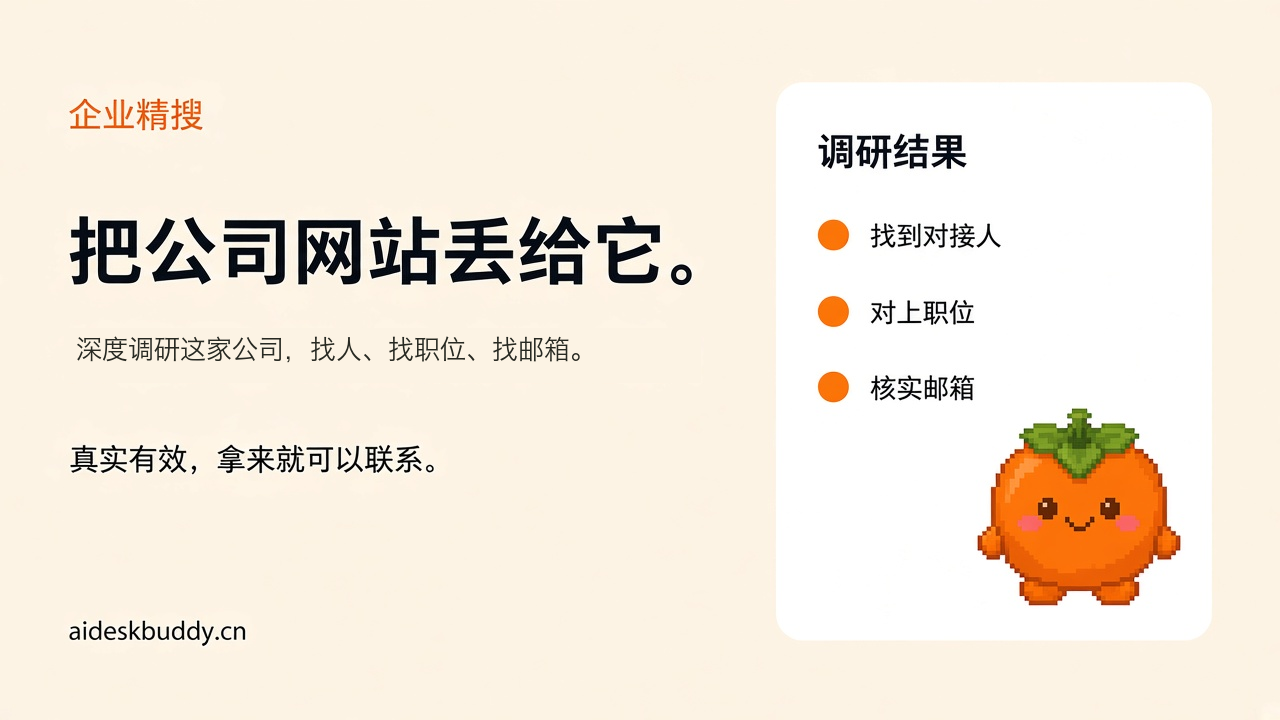
This part is for people in trade and B2B. The three things that eat time: search companies, find the right person, and send. I now hand that to a set of tools on the desktop workspace:
- Enter the target industry. It searches companies, locates the key roles, and finds and verifies email addresses.
- Contacts and copy connect to an email account I authorized. Outreach goes out on a schedule. I do not click send one letter at a time.
- Finished content goes out to LinkedIn, TikTok, and WeChat official accounts from one place.
I will not oversell it. If the pitch and the product are weak, sending more does nothing. What it did was pull me out of the repeat work. I get two or three extra hours in a day.

Two kinds of tools
One kind consumes you. You have to tend it, learn it, and remember to renew it. The other kind stands in for you. It sits in the corner of the desktop, stays quiet, reminds you on time, and works when you ask.
The AI pet on my desktop is called Xiaoshizi. The schedule, the recording and transcript, video-to-script, and the customer pipeline above all run on it and the workspace behind it. It even remembers that I don’t take sugar in my latte. In the middle of a busy afternoon, the little one in the corner asks. That feeling is strange, in a good way.

The basic version is free. Conversation, reminders, and the calendar are included. You can also connect your own model API and choose the provider. Recording and transcription sit in a tier of about one to two hundred yuan a year. Move up only if you need it. I still have not used the most expensive plan. The product site is aideskbuddy.cn.
Last
A one-person company is not a contest of who can stay up later. It is who hands the repeat work off first.
If you also miss meetings, leave notes overnight, or cannot face pulling a script apart, leave the word “desktop” in the comments. I will send the workflow in this article as a checklist. If you want to try the little one, leave a message and I will send the download.
Don’t carry it all by yourself.