
You crafted the perfect subject line. Wrote compelling copy. Designed a beautiful template. Hit send. And then… nothing. Your open rate is 2%. Your click rate is zero. After some digging, you discover the truth: your emails are landing in the spam folder.
This is the most frustrating problem in email marketing. You are doing everything right on the creative side, but the technical side is working against you. And here is the hard truth: if your emails go to spam, nothing else matters. Not your copy. Not your offer. Not your design.
The good news? Spam folder placement is almost always a solvable problem. This guide walks you through a complete diagnostic process to identify why your emails are being flagged, and gives you specific, actionable fixes for each cause.
✈️ Telegram: Kxg245 WeChat: BigSocialBoss123 Claim a free trial of the TK viral video extension → Open Telegram
The Spam Folder Diagnostic: 10 Questions to Ask
Use this checklist to diagnose your specific spam problem. Go through each item honestly. Most spam issues come down to one or two root causes—find them, fix them, and your deliverability will transform.
1. Are You Sending from a Shared IP?
This is the most common cause of spam folder placement. If you use Mailchimp, Brevo, or most cloud ESPs on a basic plan, you are on a shared IP. That means your deliverability is tied to every other sender on that IP.
- The fix: Switch to a dedicated IP. This gives you full control over your sender reputation. With BigSocialBoss, every user gets a dedicated VPS mail lane with an independent IP—no shared pools, no surprise reputation damage.
2. Is Your Domain Properly Authenticated?
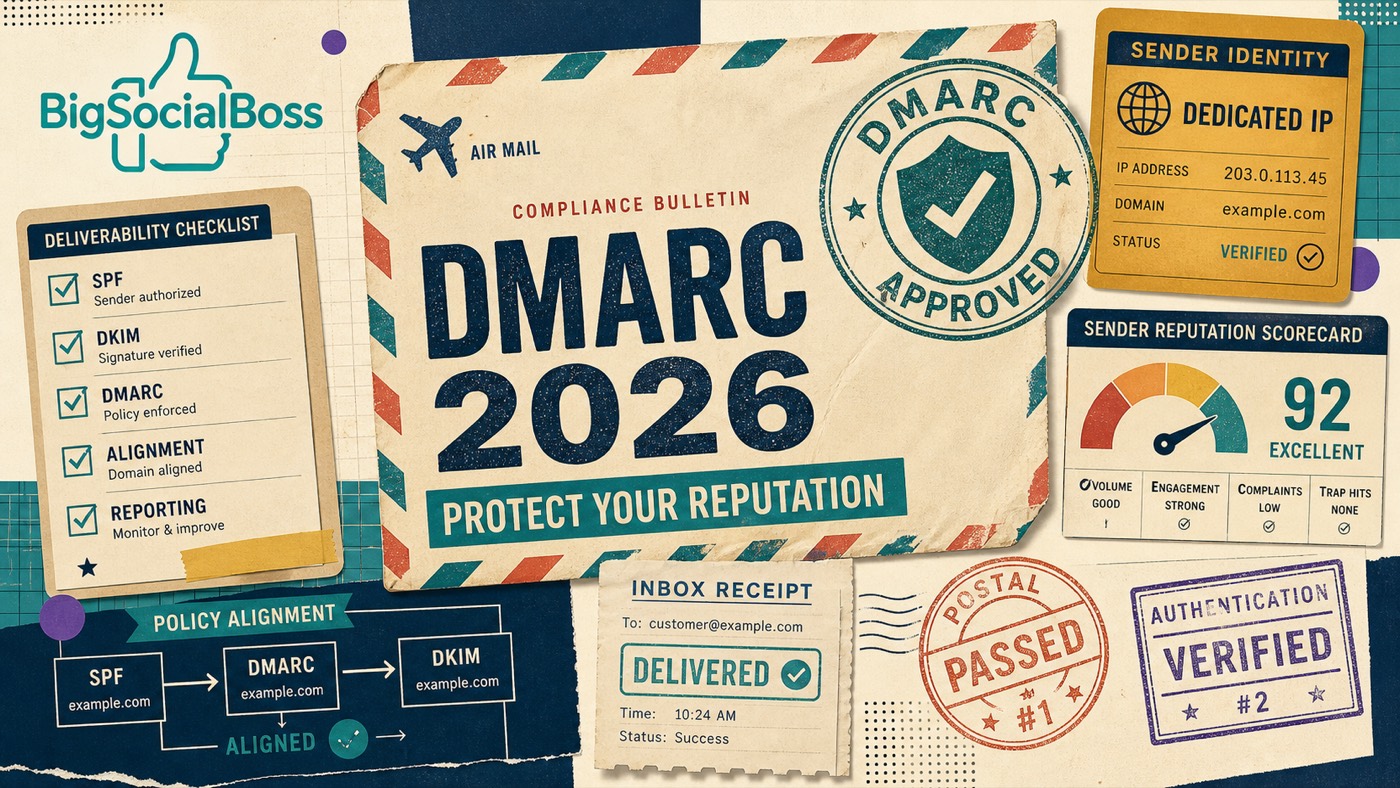
Inbox providers check three authentication protocols to verify your identity: SPF, DKIM, and DMARC. If any of these are missing or misconfigured, your emails are essentially unverified—and unverified emails go to spam.
- How to check: Use online tools like MXToolbox or Google Admin Toolbox to verify your DNS records. Look for:
- SPF record: A TXT record on your domain that lists authorized sending IPs. Should include your server's IP.
- DKIM signature: A cryptographic key that proves your email was not tampered with. Must be properly generated and published in DNS.
- DMARC policy: A TXT record that tells receivers what to do with failed authentication checks. Should be set to at least p=quarantine.
- The fix: BigSocialBoss auto-generates all three authentication records. You simply copy them into your DNS panel. No manual key generation. No cryptic DNS syntax.
3. Is Your IP Warmed Up?
A brand new IP address has no sending history. Inbox providers are suspicious of IPs that suddenly start sending thousands of emails. If you blast a large list from a cold IP, you will almost certainly be flagged as spam.
- The fix: Warm up your IP gradually. Start with 50-100 emails per day to your most engaged subscribers. Increase volume by 20-30% every few days over 2-4 weeks. BigSocialBoss includes an automated warmup scheduler that handles this for you.
4. Is Your Contact List Clean?
Sending to invalid, inactive, or unengaged email addresses is a major red flag for spam filters. High bounce rates and low engagement signal to inbox providers that you are not maintaining list hygiene.
- How to check: Review your last campaign's bounce rate. If it is above 2%, you have a list hygiene problem. Also check your engagement rates—if fewer than 10% of recipients open your emails, you are sending to too many inactive addresses.
- The fix: Clean your list before every major send. Remove hard bounces, unsubscribes, and addresses that have not engaged in 6+ months. BigSocialBoss validates emails automatically during CSV import and flags invalid addresses in real time.
5. Are You Using Spam-Trigger Words or Practices?
Certain words, phrases, and formatting choices trigger spam filters:
- All-caps subject lines: "GET 50% OFF NOW!!!" screams spam.
- Excessive punctuation: Multiple exclamation marks or dollar signs are red flags.
- Spam trigger words: "Free," "Guarantee," "No obligation," "Act now," "Limited time"—especially in subject lines.
- Image-heavy emails: Emails that are one large image with little text often get flagged.
- Missing unsubscribe link: Legally required and expected by spam filters. Always include one.
- The fix: Write natural, conversational subject lines. Maintain a healthy text-to-image ratio (at least 60% text). Always include an unsubscribe link and your physical address.
6. Is Your Sender Reputation Damaged?
Your sender reputation is a score that inbox providers assign to your IP and domain based on your sending history. Factors include:
- Complaint rate: How many recipients mark your emails as spam. Should be below 0.1%.
- Bounce rate: How many emails are undeliverable. Should be below 2%.
- Engagement rate: Opens, clicks, and replies. Low engagement hurts reputation.
- Blacklist status: Whether your IP appears on Spamhaus, Barracuda, or other blocklists.
- How to check: Use Google Postmaster Tools (for Gmail delivery data), Microsoft SNDS (for Outlook), and MXToolbox Blacklist Check.
- The fix: If your reputation is damaged, stop sending immediately. Clean your list, fix authentication, and start a slow warmup from a fresh IP. BigSocialBoss monitors your reputation across all major providers and alerts you to issues before they become crises.
7. Are You Sending Too Frequently—or Not Enough?
Both extremes hurt deliverability. Sending multiple emails per day to the same list trains recipients to ignore you—or mark you as spam. But going months between sends makes subscribers forget who you are, leading to spam complaints when you finally do email them.
- The fix: Find your optimal cadence. For most B2B lists, 1-3 emails per week is the sweet spot. Use engagement data to segment: frequent senders to highly engaged subscribers, less frequent to passive ones.
8. Is Your HTML Code Clean?
Messy HTML, broken tags, and excessive inline styles can trigger spam filters. If you copy-paste content from Word or a website without cleaning the code, you are likely carrying invisible formatting that hurts deliverability.
- The fix: Use a clean email template from a reputable source. BigSocialBoss provides tested, spam-filter-friendly templates and a one-click template generator that produces clean, optimized HTML.
9. Are You Using a From Address People Recognize?
If your "From" name or email address is unfamiliar, recipients are more likely to mark you as spam. Sending from noreply@yourcompany.com is impersonal and suspicious.
- The fix: Use a recognizable from name (a real person or your company name) and a reply-to address that goes to a real inbox. BigSocialBoss lets you configure multiple sending identities with personalized from names and reply addresses.
10. Is Reverse DNS (rDNS) Configured?
Reverse DNS maps your IP address back to your domain name. Without it, inbox providers cannot verify that your IP legitimately belongs to your domain—a common spam indicator.
- The fix: Set up a PTR record with your VPS provider. Most providers let you configure this in their control panel. BigSocialBoss guides you through this during setup and validates the configuration.
The Complete Spam Fix Checklist
Here is your action plan, in order of priority:
- Immediate (Do Today): Verify SPF, DKIM, and DMARC are correctly configured. Check if your IP is blacklisted. Review your last campaign for spam trigger language.
- This Week: Clean your contact list. Remove inactive subscribers and invalid addresses. Set up reverse DNS if missing.
- This Month: Implement IP warmup if using a new dedicated IP. Segment your list by engagement. A/B test subject lines for spam triggers.
- Ongoing: Monitor sender reputation weekly. Maintain list hygiene before every send. Track engagement metrics and adjust cadence accordingly.
✈️ Telegram: Kxg245 WeChat: BigSocialBoss123 Claim a free trial of the TK viral video extension → Open Telegram
How BigSocialBoss Prevents Spam Folder Placement
While the checklist above helps you fix existing problems, the best approach is to prevent them from happening in the first place. BigSocialBoss is designed with deliverability as a core principle, not an afterthought:
- Dedicated VPS mail lanes: No shared IPs means no risk from other senders. Your reputation is entirely yours.
- Automatic authentication: SPF, DKIM, and DMARC records are auto-generated and validated. No manual DNS configuration required.
- Built-in IP warmup: New IPs follow a proven warmup schedule that builds reputation safely with all major inbox providers.
- Real-time email validation: Invalid and risky addresses are caught at import time, before they ever hurt your bounce rate.
- Reputation monitoring: Track your IP and domain reputation across Google, Microsoft, and major blocklists from one dashboard.
- Spam-tested templates: All built-in templates are tested for spam filter compatibility. Clean HTML, proper text-to-image ratios, and compliant formatting.
- Engagement analytics: Identify inactive subscribers before they hurt your reputation. Segment by engagement for targeted re-engagement or suppression.
When to Start Over with a Fresh IP
Sometimes, a damaged reputation is too far gone to salvage. If you have checked every item on this list and your emails still go to spam, it may be time for a fresh start. Signs you need a new IP:
- Persistent blacklisting: Your IP appears on multiple blocklists and delisting requests are denied.
- Sub-5% open rates: Even after fixing content and authentication, engagement remains near zero.
- Reputation below "Medium": Google Postmaster Tools shows your domain reputation as Low for 30+ days.
- History of purchased lists: If you have ever sent to purchased or scraped lists, your IP may carry permanent reputation damage.
- The fix: Deploy a new BigSocialBoss instance with a fresh dedicated IP. Follow the warmup schedule religiously. Only send to engaged, opted-in contacts. Build your reputation from a clean slate.
Final Thoughts
Spam folder placement is not a mystery—it is a diagnosable, fixable problem. In almost every case, the root cause falls into one of three categories: bad infrastructure (shared IP, missing authentication), poor list hygiene (invalid addresses, low engagement), or content issues (spam triggers, bad formatting).
The key is to be systematic. Work through the diagnostic checklist. Fix the infrastructure issues first (they have the biggest impact), then clean your list, then refine your content. Track your metrics after each change so you know what is working.
And if you are tired of fighting deliverability battles with tools that were never designed for serious B2B sending, consider a platform built from the ground up for inbox placement. BigSocialBoss combines dedicated IPs, automatic authentication, and reputation monitoring into a single, self-hosted solution that puts you in full control.
✈️ Telegram: Kxg245 WeChat: BigSocialBoss123 Claim a free trial of the TK viral video extension → Open Telegram